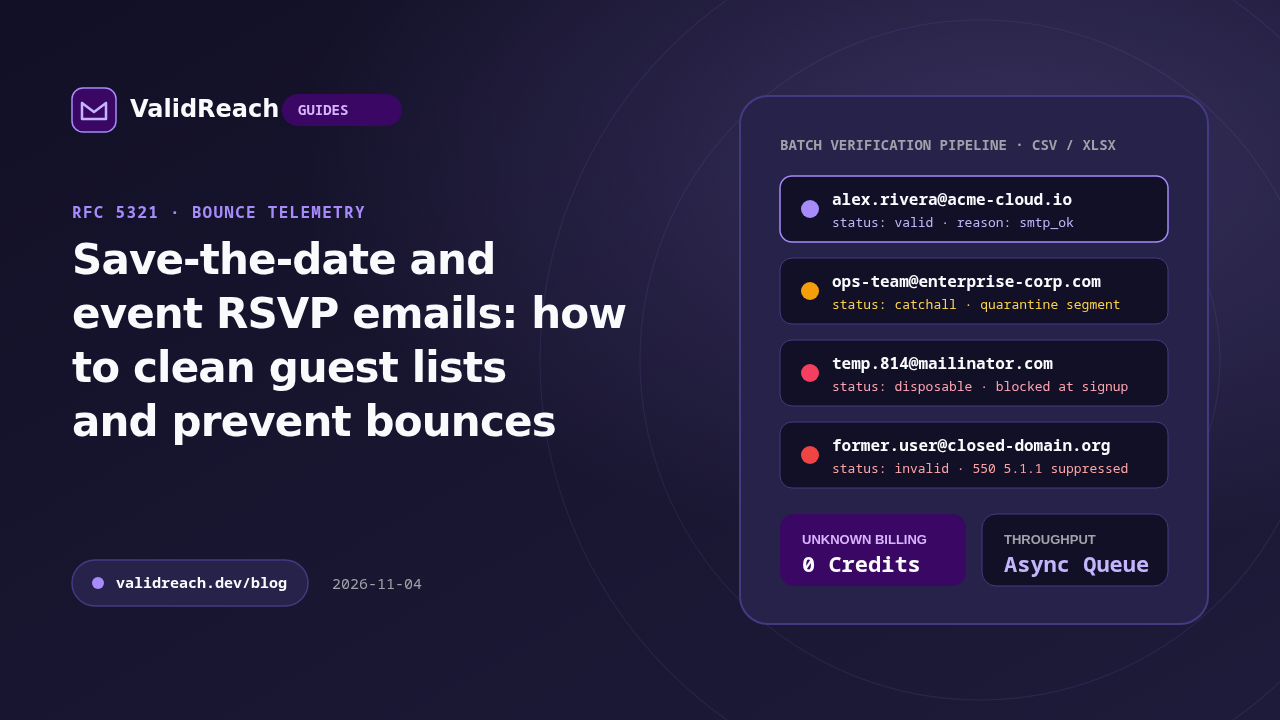
Whether you are sending wedding save-the-date emails or invitations for a 2,000-person corporate conference, sending a batch of invitations to a spreadsheet collected over months or years often produces a wave of unexpected hard bounces and missing RSVPs.
Why event and wedding guest spreadsheets bounce
Guest lists are typically assembled from multiple sources—personal address books, old spreadsheets, web forms and forwarded notes—which introduces common failure modes:
- Keyboard typos in consumer domains: guests mistype
gmail.comasgmial.com,gamil.comoryaho.com. - Deactivated work or university addresses: a contact who gave a
.eduor former employer address two years ago no longer receives mail there (550 5.1.1). - Sudden burst sending from a new domain: sending hundreds of image-heavy invitations at once from a brand-new custom domain without SPF, DKIM and DMARC triggers bulk-mail filters.
A 4-step checklist before sending digital invitations
- Deduplicate the guest spreadsheet: run your pasted list through the free Email Deduplicator so households do not receive duplicate invitations.
- Check for free-provider typos: use the Free Email Provider Checker or run a bulk verification job in ValidReach (new accounts include 100 free credits) to catch
invalidmailboxes before you send. - Include a plain-text alternative: avoid sending a single giant image with no text; image-only emails are flagged by spam filters (test your draft in the Email Spam Checker).
- Follow up personally on
invalidrows: ask guests with bouncing addresses for an updated email via SMS or phone before the formal RSVP deadline.
Sources
- Google Workspace Admin Help — Email sender guidelines — accessed 2026-11-04
- ValidReach Free Email Tools — accessed 2026-11-04