An email distribution list is a single address—such as team@example.com, engineering@example.com or board@example.com—that automatically forwards incoming messages to multiple recipient mailboxes without storing mail in its own standalone inbox. Understanding how distribution lists behave is essential for both internal IT administration and external email verification.
Distribution lists vs. shared mailboxes vs. marketing lists
- Internal distribution group: managed in Google Workspace or Microsoft Exchange; expands a single local part (
all-hands@,sales@) into a group of member addresses. - Shared role mailbox: an inbox (
support@,billing@,info@) accessed by multiple staff members in a helpdesk or mail client. - External mailing list (RFC 2369 / RFC 8058): a subscription-based broadcast list managed by an ESP or list server that includes
List-IdandList-Unsubscribeheaders.
How email verification treats distribution and role addresses
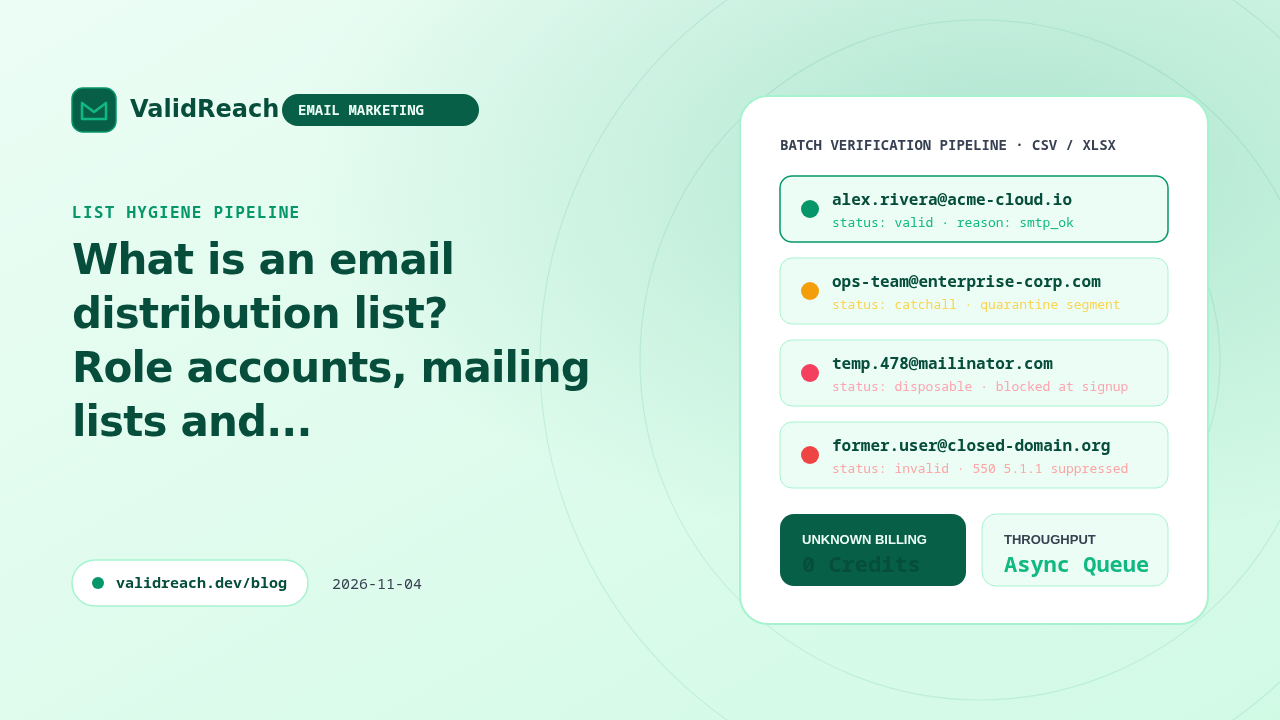
During verification, addresses with functional or group local parts (sales@, support@, admin@, hr@, press@) are classified as role accounts (status: "role" in ValidReach):
- One message reaches many people: sending cold or promotional mail to a distribution list multiplies spam complaints because a single uninterested member clicking "Report spam" penalizes your sender reputation.
- Consent cannot be attributed to one person: when someone leaves the group or a new employee joins, the group never individually opted in.
- Recommended handling: use the Role Account Checker or ValidReach's
rolestatus to quarantine distribution addresses from automated marketing sequences while still allowing them in B2B billing or support workflows where appropriate.
Sources
- IETF RFC 5321 — Simple Mail Transfer Protocol — accessed 2026-11-04
- IETF RFC 2369 — The Use of URLs as Meta-Syntax for Core Mail List Commands — accessed 2026-11-04
- ValidReach Role Account Checker — accessed 2026-11-04