When companies set up automated text forwarding to email—routing inbound customer SMS messages into a helpdesk inbox or forwarding alerts to on-call engineers—poorly configured forwarding rules can quickly trigger SPF failures, rate limits or hard bounce loops.
Why naive forwarding breaks email authentication
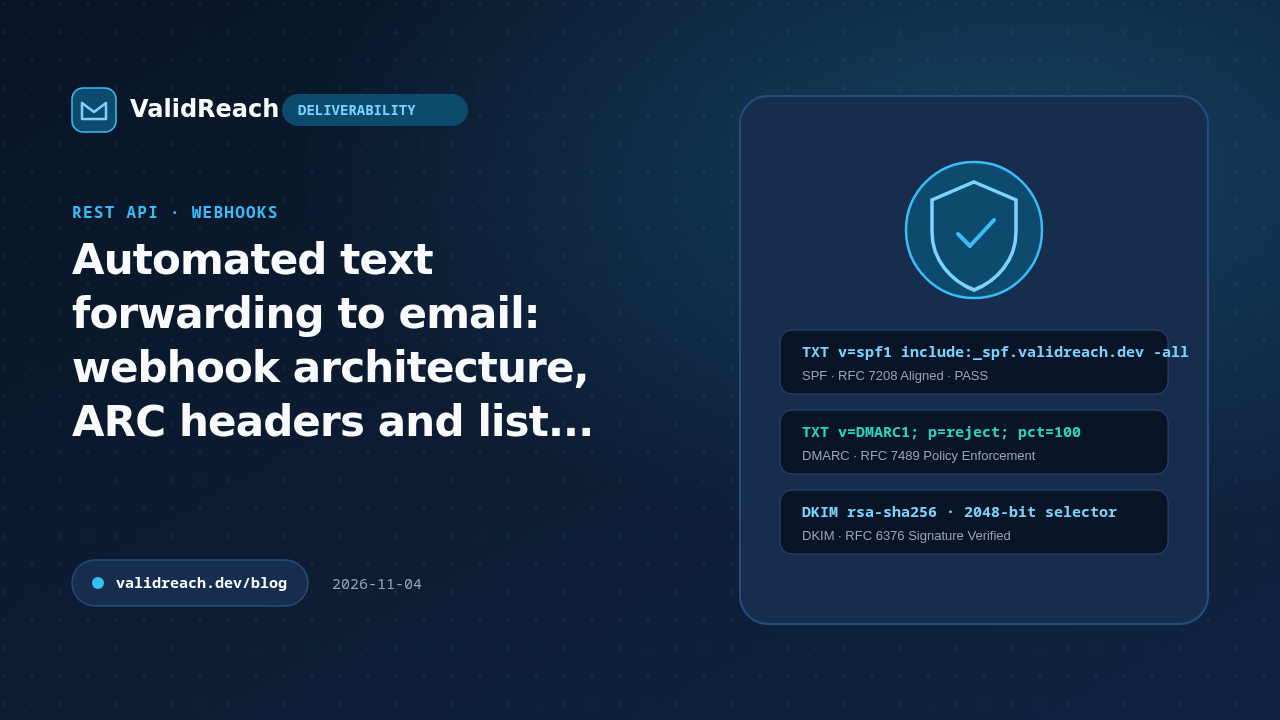
If a relay forwards a message without rewriting the envelope sender (Return-Path) or signing the outbound payload with its own DKIM key, the receiving mail server sees an unauthorized IP sending mail on behalf of the original domain and fails SPF (RFC 7208).
Best practices for SMS-to-email forwarding pipelines
- Send from your own authenticated domain: format forwarded texts as new transactional emails sent from an address on your own domain (
alerts@notifications.example.com) with aligned SPF, DKIM and DMARC. - Verify every forwarding target: before saving a user's forwarding address in your dashboard, verify it via the ValidReach API to block typos (
gmial.com), disposable domains and non-existent mailboxes (mailbox_not_found). - Disable forwarding automatically on
5xxbounces: listen for SMTP550 5.1.1bounce webhooks and immediately pause the forwarding rule so your notification domain's sender reputation stays clean.
Sources
- IETF RFC 7208 — Sender Policy Framework (SPF) — accessed 2026-11-04
- IETF RFC 8617 — The Authenticated Received Chain (ARC) Protocol — accessed 2026-11-04
- ValidReach Email Verification API — accessed 2026-11-04