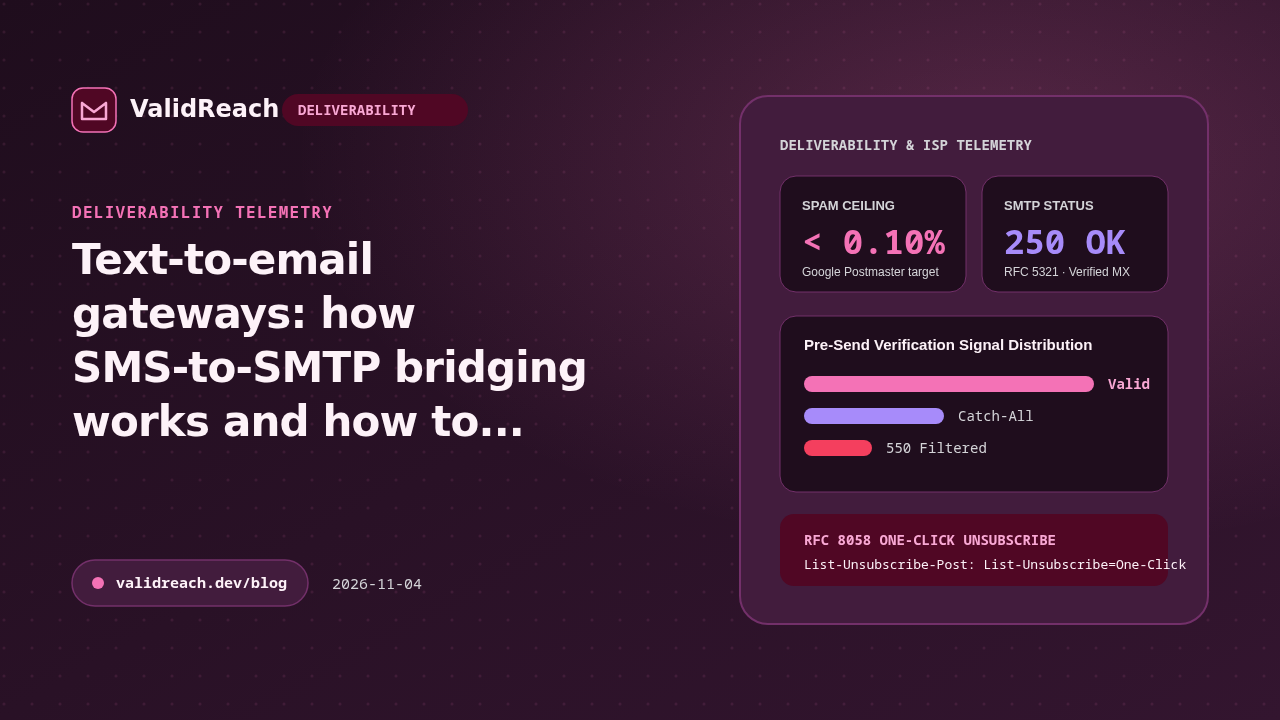
Text-to-email bridging converts an incoming SMS message into an SMTP email delivered to a destination inbox. It happens in two ways: a mobile subscriber types an email address instead of a phone number in their SMS app (using the carrier's MMS/SMS-to-email gateway), or a VoIP/CPaaS webhook forwards inbound texts to a team inbox.
Carrier SMS-to-email vs. webhook-to-email bridges
- Carrier MMS/SMS-to-email: the mobile carrier wraps the text message in an email from a carrier domain (such as
number@vzwpix.com) and delivers it via MX lookup to the recipient's email address. - VoIP and helpdesk routing: services such as Twilio, OpenPhone or Zendesk receive the SMS on a virtual number and send a transactional email notification to a designated support or operations address.
Preventing bounce loops in text-to-email workflows
If your application lets users enter an email address to receive SMS transcripts, voicemails or two-factor backup alerts:
- Verify the destination email at setup: run the target address through the ValidReach Email Verification API before enabling forwarding so a typo or disposable address cannot trigger recurring hard bounces.
- Authenticate your forwarding domain: publish aligned SPF, DKIM and DMARC records on the domain that sends the forwarded notification emails.
Sources
- IETF RFC 5321 — Simple Mail Transfer Protocol — accessed 2026-11-04
- Google Workspace Admin Help — Email sender guidelines — accessed 2026-11-04
- ValidReach Email Verification API — accessed 2026-11-04