Whether you are sending a literary query letter to an agent, pitching an editor for a guest article or reaching out to a podcast host, editorial and agency inboxes receive hundreds of unsolicited messages every week. A single typo in the recipient's address or a misconfigured sending domain can cause your query to hard bounce or vanish into a spam folder.
1. Verify submission and agent addresses before sending
Literary agencies, publishers and media outlets frequently change submission guidelines, rotate editorial staff or retire old submission inboxes (queries@, submissions@, tips@):
- Check individual and role addresses: run the target address through the ValidReach Email Verifier before sending. Note that shared submission inboxes (
queries@agency.example) will returnstatus: "role", confirming whether the domain's mail server accepts mail for that address. - Avoid guessing unverified addresses: if an agency asks for submissions to a specific named agent, verify the exact address listed on their official page rather than blasting multiple guessed variations at once.
2. Format the email for clean deliverability
- Follow subject-line rules: include the exact prefix requested by the recipient (for example,
QUERY: [Title]) and avoid all-caps shouting or spammy punctuation (check your draft in the Email Spam Checker). - Paste text inline rather than attaching unsolicited
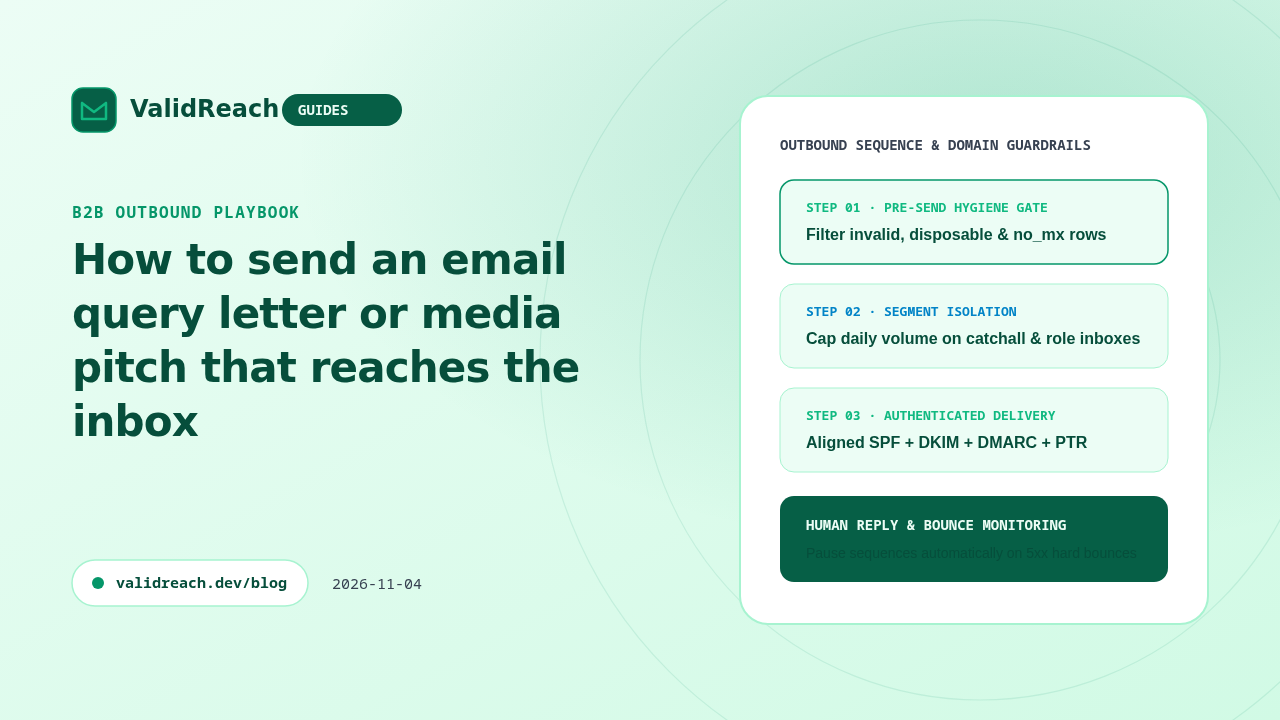
.zipor.docmfiles: many agency and newsroom mail gateways block unknown attachments from first-time senders. - Send from an authenticated address: if you use a custom author or PR domain, verify that its SPF, DKIM and DMARC records are valid before pitching.
Sources
- Google Workspace Admin Help — Email sender guidelines — accessed 2026-11-04
- ValidReach Email Verifier — accessed 2026-11-04
- ValidReach Email Spam Checker — accessed 2026-11-04